The SDK situation with Azure AI was a disaster till now. I am not exaggerating — on one project we had azure-ai-inference, azure-ai-generative, azure-ai-ml, and AzureOpenAI() all imported in same file. Five different endpoints. Different auth flows. I opened laptop one morning and spent two hours just figuring out which client was talking to which service. Not ideal.
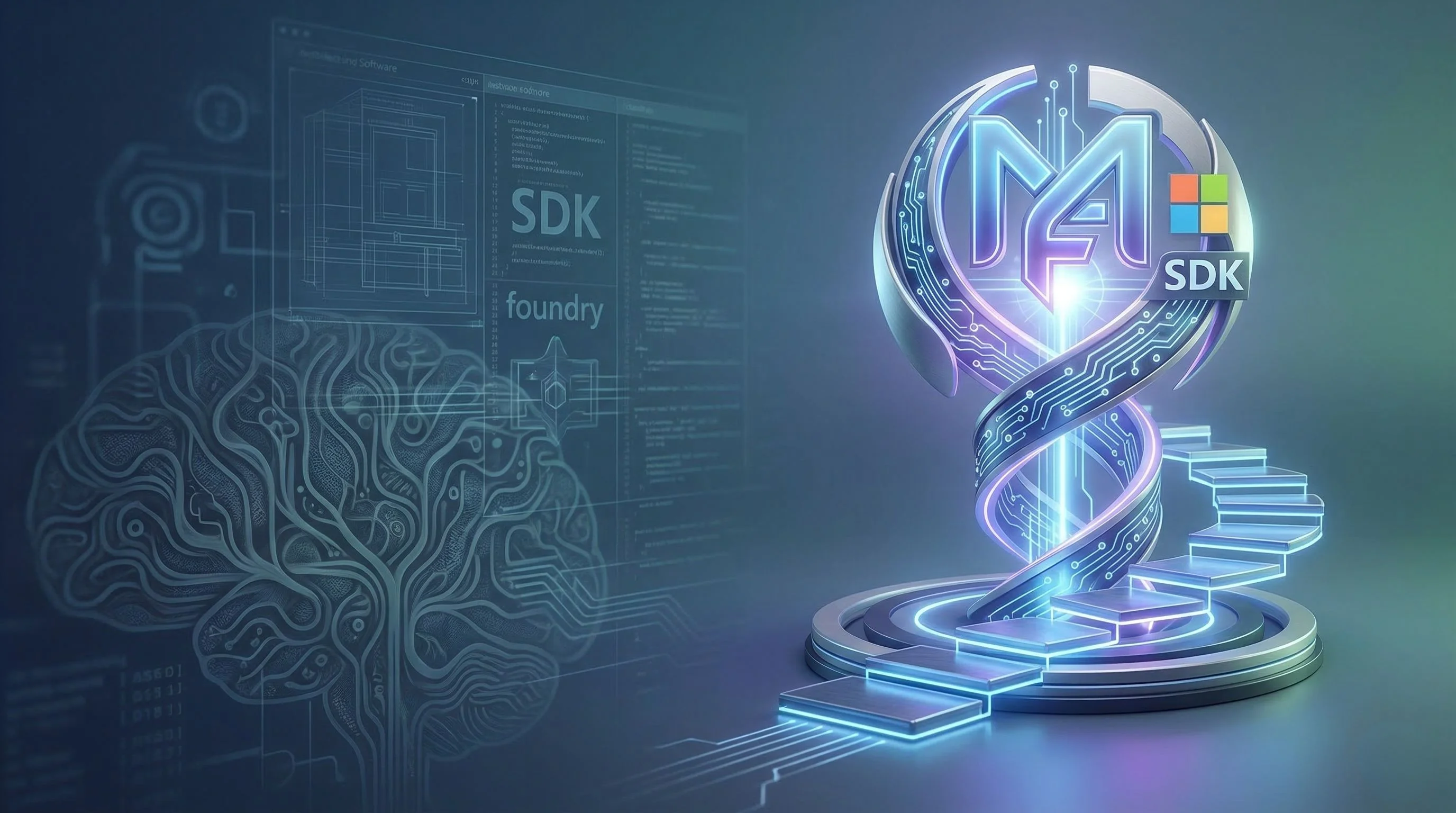
Microsoft Foundry SDK fixes this. One package. One endpoint. One client.
The part you actually need to install
For Python — and I am focusing on Python here because that's what 80% of you are using for AI work — the package is azure-ai-projects version 2.0 or above. That's it. One pip install.
Python
pip install azure-ai-projects>=2.0.0What happened was Microsoft consolidated everything under this single package. Before, you needed separate libraries for inference, for agents, for model management. Now the AIProjectClient itself handles all of it. You point it at your project endpoint, give it credentials, and you're in.
Python
from azure.identity import DefaultAzureCredential
from azure.ai.projects import AIProjectClient


endpoint = "https://<resource-name>.services.ai.azure.com/api/projects/<project-name>"
project = AIProjectClient(endpoint, DefaultAzureCredential())
Three lines. That's your setup.
Where it gets confusing — and nobody talks about this
The thing is, there are actually four different SDKs you can use with Foundry, and picking wrong one will cost you hours. I wanted to explain only this part clearly because Microsoft docs bury it in tabs and pivot tables.
Foundry SDK (azure-ai-projects) — use this when you are building agents, running evaluations, or doing anything Foundry-specific. This uses the Responses API. Your endpoint looks like services.ai.azure.com/api/projects/.
OpenAI SDK — yes, the regular openai package. You can use it directly against Foundry. The endpoint is different though: <resource-name>.openai.azure.com/openai/v1. This gives you Chat Completions, not Responses API. If you have existing OpenAI code and just want to point it at Azure, this is your path.
Agent Framework — this is for multi-agent orchestration locally. Cloud-agnostic. It uses the Foundry SDK underneath when you want agents to hit Foundry models.
Most people should start with Foundry SDK. That's my recommendation.
The auth story — actually good now
One thing I will say — DefaultAzureCredential from azure-identity package just works. It tries managed identity first, then Azure CLI, then environment variables. For local development you do az login and forget about it. For production you set up managed identity on your App Service or container and it picks it up automatically.
You can also use API keys if you want. But don't. Entra ID auth is the right way, especially in production. I have seen teams hardcode API keys in environment variables and then wonder why their keys got rotated and everything broke at 2am. DefaultAzureCredential, it saves you from yourself.
Getting an OpenAI client from project client
This part is actually clever. Once you have your AIProjectClient, you can get an OpenAI-compatible client directly from it:
Python
openai_client = project.get_openai_client()So you don't even need to install openai package separately or manage another endpoint. The project client itself gives you an OpenAI client that's already authenticated and pointed at right endpoint. This thing I already tested on a RAG pipeline last month — swapped out our old AzureOpenAI() initialization with this and it worked first try. That basically never happens with SDK migrations, right?
What about .NET and JavaScript
C# developers — the package is Azure.AI.Projects version 1.2.0-beta.5 for new Foundry, or 1.x stable for classic. There's also Azure.AI.Projects.Openai for the OpenAI-compatible bits.
JavaScript — is @azure/ai-projects at 2.0.0-beta.4 preview.
Java — is also in beta.
So Python and C# are basically furthest ahead. JavaScript and Java, they're catching up but still preview. If you are building production stuff in TypeScript — be careful. Preview means breaking changes between versions.
The deployment part nobody explains well
Here's what confused me initially. You don't deploy through SDK itself. You deploy models through the Foundry portal at ai.azure.com or through Azure CLI. The SDK is for consuming those deployments — calling models, creating agents, running evaluations. The deployment types matter too:
Standard (pay-as-you-go)
Provisioned throughput (for consistent latency)
Global deployments (for multi-region)
What I tell my team at OZ — start with standard deployment, monitor your token usage for a week, then decide if you need provisioned throughput. Don't over-provision on day one. Azure bills you whether you use those reserved tokens or not.
Where this falls apart
The Foundry Tools SDKs — Speech, Vision, Document Intelligence, Translator — these still have their own separate packages and endpoints. cognitiveservices.azure.com for most of them, then Speech has region-specific endpoints like <region>.stt.speech.microsoft.com. So the "one SDK" story is really "one SDK for the AI/LLM stuff" and then a bunch of other SDKs for everything else.
Also the terminology migration is rough. What was Assistants API is now Responses API. Threads became Conversations. Runs became Responses. If you have production code on the old API — that's a rewrite, not an upgrade. Microsoft provides migration guides but I am thinking this will catch a lot of teams off guard who built on Assistants API last year.
The VS Code extension is nice though. You can explore models, test deployments, build agents right from editor. For quick prototyping I actually prefer it over the portal — less clicking, more coding. Makes sense, no?