Running AI Models Locally Changed How I Build — Here's How
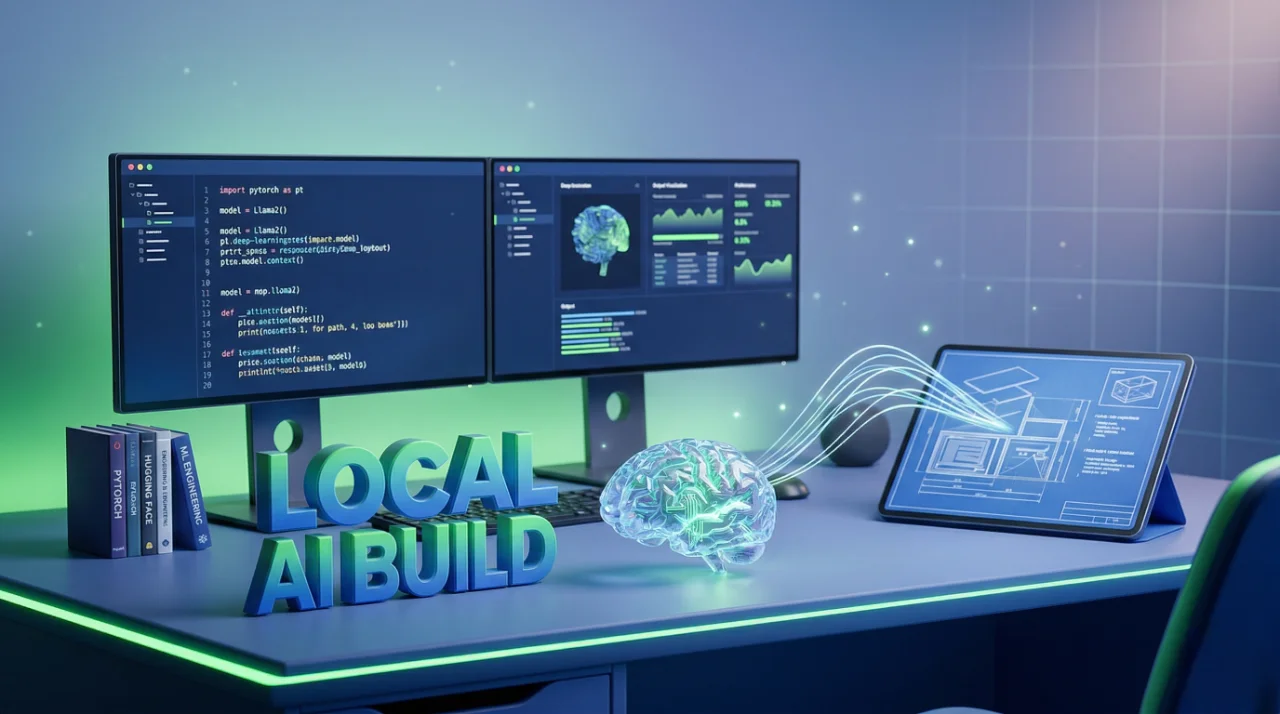
Honestly, I don't know why more people aren't doing this. You can run Llama 3 or Mistral on your own laptop, no OpenAI bill, no Azure endpoint, no nothing. Just Python, a tool called Ollama, and maybe 10 minutes of your time. I set this up on a weekend because our client had data sensitivity concerns and couldn't send anything to external APIs. Turned out to be one of the best decisions we made that quarter.

So here is the deal. You install Ollama — it's basically a local runtime for open-source models. Works on Windows, Mac, Linux. Go to ollama.com, download it, install it. That's it. No Docker needed, no CUDA configuration nightmares, nothing. Once it's installed, open your terminal and run:
Bash

ollama pull llama3
That downloads the Llama 3 8B model. It's about 4.7 GB. If you want Mistral instead:
Bash

ollama pull mistral
Mistral 7B is around 4.1 GB. Both run fine on 16 GB RAM. I tested on my Dell laptop with 16 GB and an integrated GPU — not great, not terrible. You get maybe 8-10 tokens per second with Llama 3. Mistral was slightly faster for me but your results will vary.
Now the Python part. Install the ollama package:
Bash

pip install ollama
And then it is literally this simple:
Python

import ollama

response = ollama.chat(model='llama3', messages=[
    {'role': 'user', 'content': 'Explain transformers in 3 sentences'}
])

print(response['message']['content'])
That's it. No API key. No environment variables. No token counting. It just works. Replace llama3 with mistral if that's what you pulled. Same interface for both.

Where people get stuck
The model download is where 90% of problems happen. If your internet is slow or it disconnects halfway, the pull can fail silently. I have seen this happen with team members — they think the model is downloaded but it's corrupted. Run ollama list to verify your models are actually there. If something looks wrong, delete and re-pull.
The other thing — and I am being serious here — is RAM. People try to run the 70B parameter version of Llama 3 on a machine with 16 GB RAM and then wonder why everything freezes. The 8B model? Fine. The 70B? You need at least 48 GB RAM, probably more. Stick with 8B unless you have a proper workstation or a GPU with 24+ GB VRAM.
For Mistral, there's also Mistral 7B Instruct which is the chat-tuned version. Better for conversational stuff. Pull it with ollama pull mistral:instruct. I found it gives cleaner responses for Q&A type tasks compared to the base model.
Going further with LangChain
If you want to build something real — like a RAG system that runs completely offline — you can plug Ollama into LangChain. Install it:
Bash

pip install langchain langchain-community chromadb
Then use ChatOllama as your LLM:
Python

from langchain_community.llms import Ollama

llm = Ollama(model="llama3")
result = llm.invoke("What is retrieval augmented generation?")

From here you can add ChromaDB as your vector store, load documents, do the whole RAG pipeline. All local. No data leaves your machine. We did this for a legal tech client last year — they had 200+ contracts they needed to query and cloud was not an option. Worked surprisingly well. Not GPT-4 level, I won't lie, but for structured document Q&A it was hitting maybe 75-80% accuracy which was enough for their use case.
One thing I will warn you about — GPT4All is another option people mention and yes it works, but I found Ollama's Python integration much cleaner. GPT4All has its own Python bindings and they're fine, but the Ollama ecosystem is moving faster right now. More models, better community, more tutorials.
Also if you're using VS Code, there are extensions that connect directly to Ollama so you get local code completion. Not as good as Copilot obviously, but free and private. Worth trying if you're working on sensitive codebases.
The speed won't match cloud APIs. I mean that's just physics — you're running a billion-parameter model on consumer hardware. But for prototyping, for privacy-sensitive projects, for learning how these models actually work without spending money? There is really no reason not to set this up. I have it running on three machines at OZ now and the monthly cost is exactly zero.