
You don't need to write code, but you probably should anyway
Honestly, when Microsoft first introduced the Designer in Azure ML, I thought it was a toy. Drag and drop? For machine learning? I come from a background where you write your training loops, you tune your hyperparameters manually, you suffer. That's how it works. But then a client asked us to build a churn prediction model and their team had zero Python experience. Zero. So we tried Designer and I have to say for what it is, it works surprisingly well.
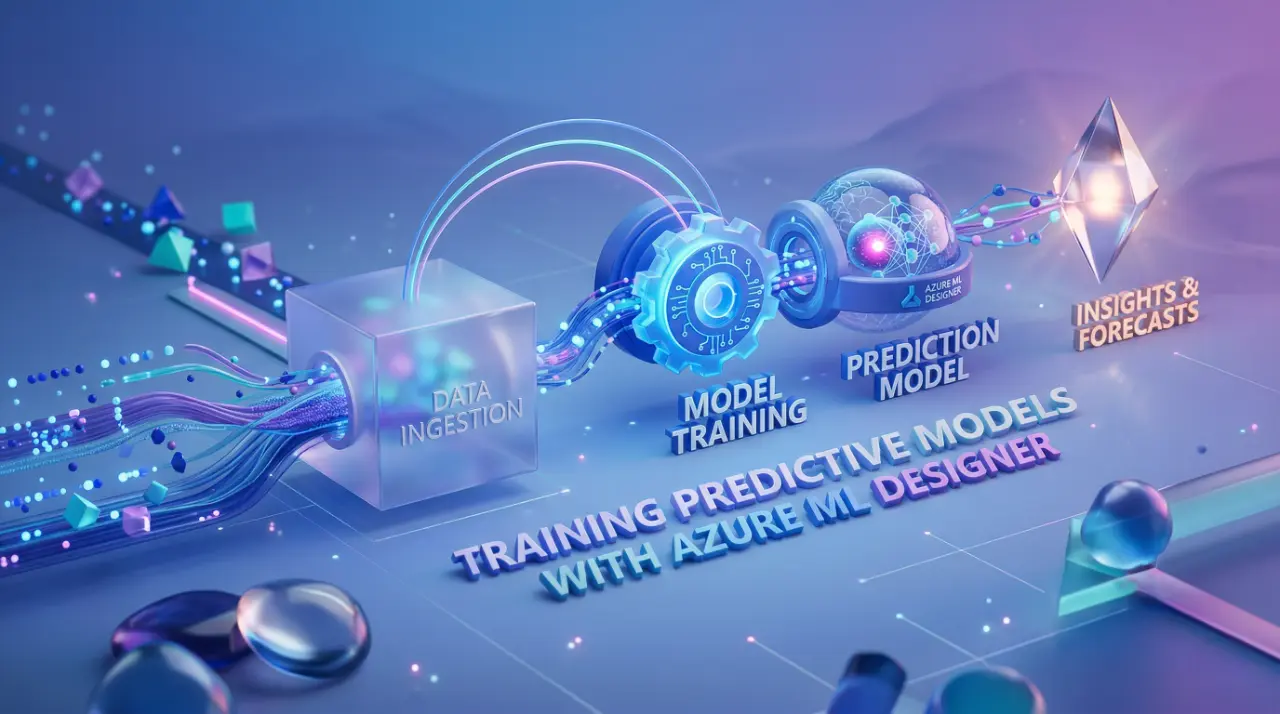
Azure ML Designer is basically a visual pipeline builder sitting inside Azure Machine Learning Studio. You drag components onto a canvas, connect them with lines, and it builds a training pipeline for you. Data ingestion, preprocessing, feature engineering, model training, evaluation all of it as blocks you wire together. Think of it like a flowchart that actually runs.
The component library has most of what you need for predictive modeling. Two-Class Boosted Decision Tree, Linear Regression, Multiclass Neural Network, all the standard stuff. You pick your algorithm component, connect your dataset to it, set some parameters on the right panel, and hit submit. The system packages everything, sends it to your compute target, and runs the experiment. Your logs, metrics, model files all tracked automatically.

Where this actually breaks
Here is the thing nobody tells you. Designer is great for proof of concepts, demos, maybe internal tools where the model doesn't need to be retrained every day. But the moment you need version control, proper CI/CD, or anything resembling MLOps, you hit a wall.
I tried using Designer for a production pipeline at OZ last year. The model itself trained fine. Evaluation metrics looked good. But then we needed to retrain on a schedule when new data came in. We needed to track data drift. We needed to plug this into our existing deployment pipeline. And Designer just... doesn't do that well. You end up exporting the pipeline to code anyway, or rebuilding the whole thing with the Python SDK. We wasted about two weeks going back and forth before someone on team just rewrote it as a command job with the SDK v2. Took him three days.

The compute target situation is also something you need to think about early. Designer runs on Azure ML Compute clusters, and if you don't set auto-scaling properly you will either have idle machines burning money or jobs sitting in queue. I mean, this is true for all Azure ML training methods, but with Designer you feel it more because you can't easily optimize your code, you're limited to what the components expose. If your dataset is large and you need custom preprocessing that doesn't fit the built-in components, you are stuck writing custom Python script components anyway. At that point, why not just use the SDK?
The cost nobody warns you about
The training itself isn't expensive for small to medium datasets. It's the compute cluster sitting there while you're dragging boxes around the canvas trying to figure out which module connects where. I am serious. The cluster spins up when you submit, but if you're iterating quickly submit, check results, change a parameter, submit again those compute minutes add up fast.
Also, the training lifecycle in Azure ML involves zipping your project files, uploading them, building Docker images, scaling compute, running the script, then scaling back down. Every single run. Designer abstracts this away so you don't see it, but your billing does. One project we had, the actual training took 4 minutes per run but the overhead was 8 minutes. So more than half the time was just infrastructure spinning up and down.

AutoML is honestly a better option if your team doesn't code. It tries multiple algorithms and hyperparameter combinations automatically and picks the best one. With Designer you're manually choosing your algorithm, which means you need to know enough about ML to make that choice correctly. If you know enough to pick the right algorithm, you probably know enough to write a training script.
Look, Designer has its place. Quick prototyping, teaching people how ML pipelines work conceptually, showing stakeholders a visual representation of what's happening with their data. For those things it's genuinely useful. But if someone tells you they're running production predictive models through Designer, ask them how their retraining pipeline works. I bet you won't get a confident answer.